IPv6 Ready? Now You Can Check
This release introduces significant enhancements to Emercom Tools and One-Time Checks, focusing on granular control over IPv4/IPv6 protocols.
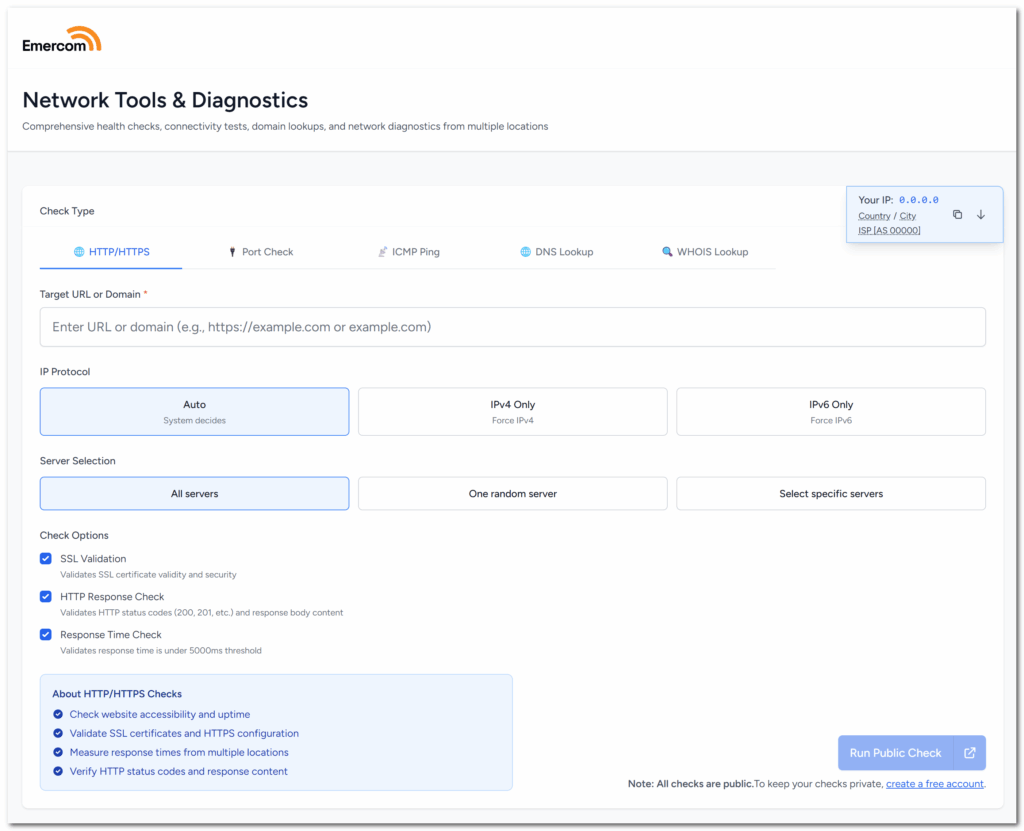
IPv4/IPv6 Protocol Control
You can now specify your preferred IP protocol for checks with three modes:
- Auto-detect mode – system chooses the protocol automatically
- IPv4-only mode – forces the use of IPv4 addresses
- IPv6-only mode – forces the use of IPv6 addresses

Use Cases for Protocol Selection
This feature is particularly valuable for GeoDNS and Anycast DNS configurations:
- Check if your IPv6 setup is actually working
- Verify whether GeoDNS returns different addresses per region across protocols
- Figure out which protocol is causing problems in dual-stack setups
- Test anycast functionality on both IPv4 and IPv6
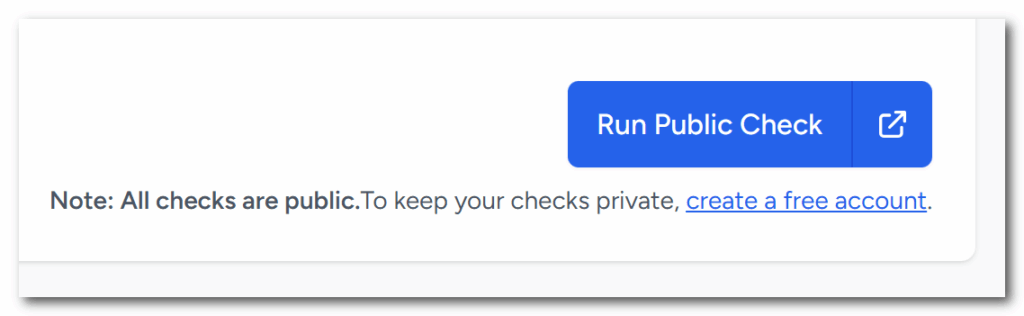
Split Button for Results
A new convenient split button allows opening check results in new browser tabs for side-by-side comparison.
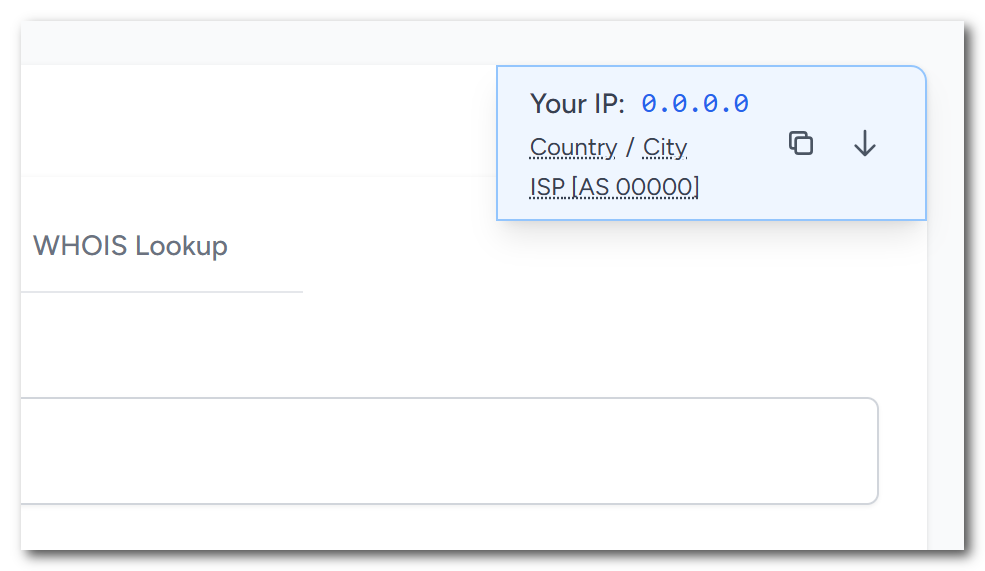
Enhanced IP Information Box
The IP information box now displays:
- IP address with copy functionality
- Geographic location (country/city)
- ISP/provider details with ASN
- Quick populate button for check targets
Backend Improvements
This update includes optimizations for connection handling between monitoring nodes and improved diagnostic result polling.
Next release will bring a new notification method, so please stay tuned!