One-Time Checks: Now Faster & More Powerful
This release is primarily focused on improving functionality of the Emercom One Time Checks and Emercom Tools.
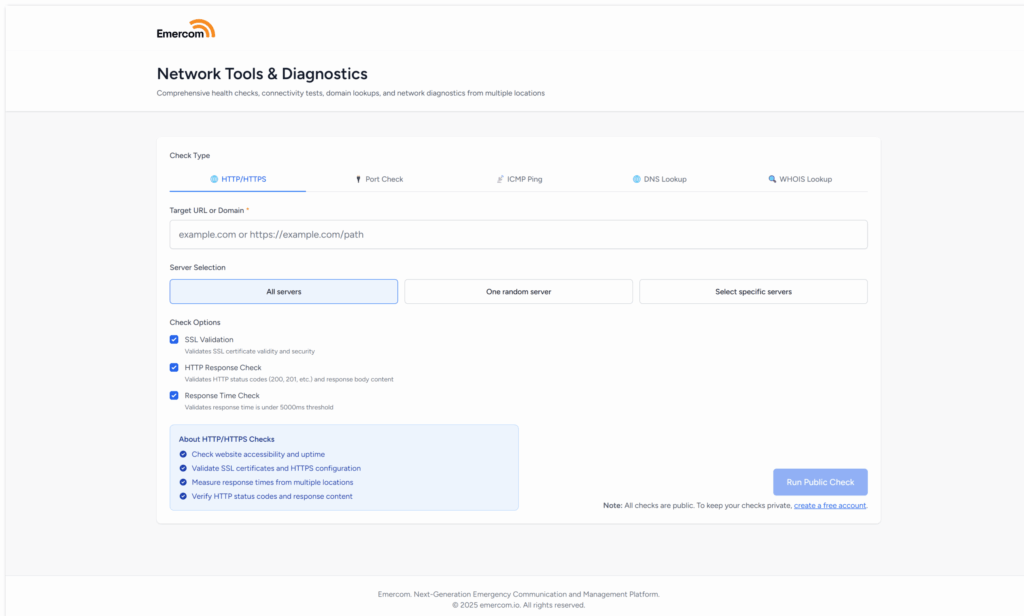
Performance Enhancements
Behind the scenes, we've made significant performance improvements:
- Parallel diagnostic execution – Multiple tests run simultaneously instead of one at a time
- Progressive loading – See results as they become available instead of waiting for everything to finish
- Instant tab switching – Diagnostic data loads in the background so there's no delay when you switch tabs
- Faster polling – Results refresh more quickly during active checks
Redesigned HTTP(S) Checks
HTTP(s) checks have been reworked to bring several new tabs:
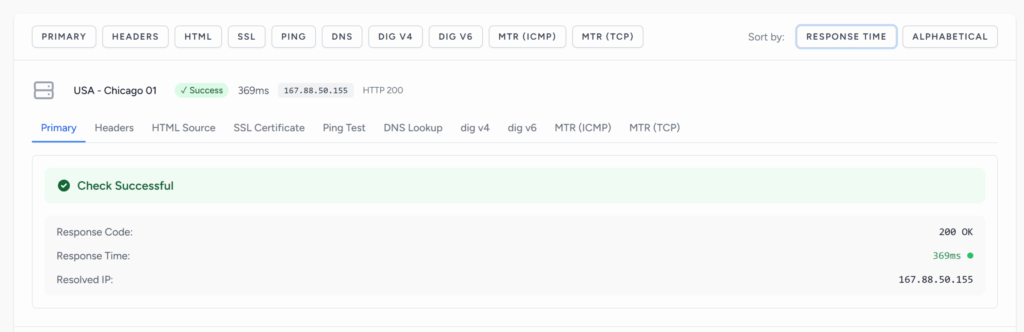
Primary Tab
Displays a clean, card-based overview of your check results including HTTP status codes, response times, and server connectivity status.
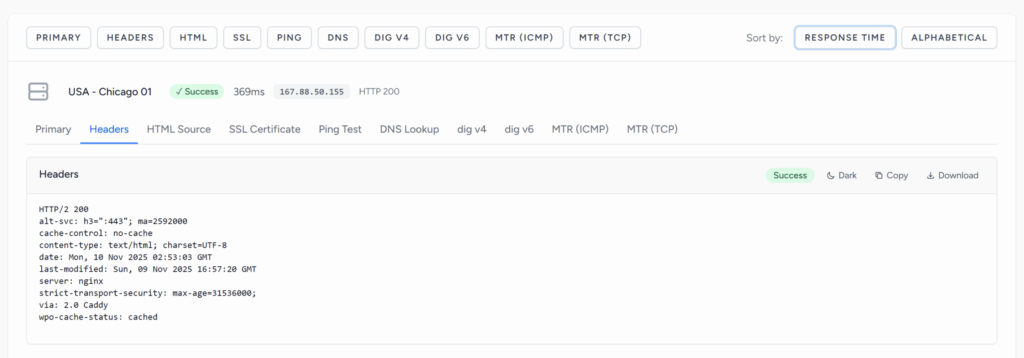
Headers Tab
View complete HTTP response headers including cache control, security headers (CORS, HSTS, CSP), server information, and content encoding details. Essential for troubleshooting CDN configurations and verifying security policies.
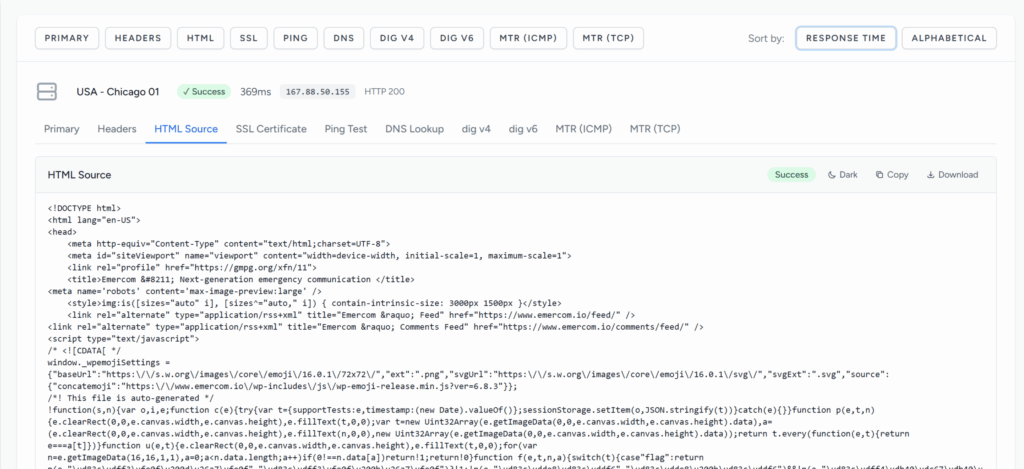
HTML Tab
Access the full HTML source code returned by your server (up to 1MB). Perfect for verifying dynamic content rendering, checking meta tags for SEO, and debugging resource loading issues. The viewer includes collapsible sections for easy navigation.
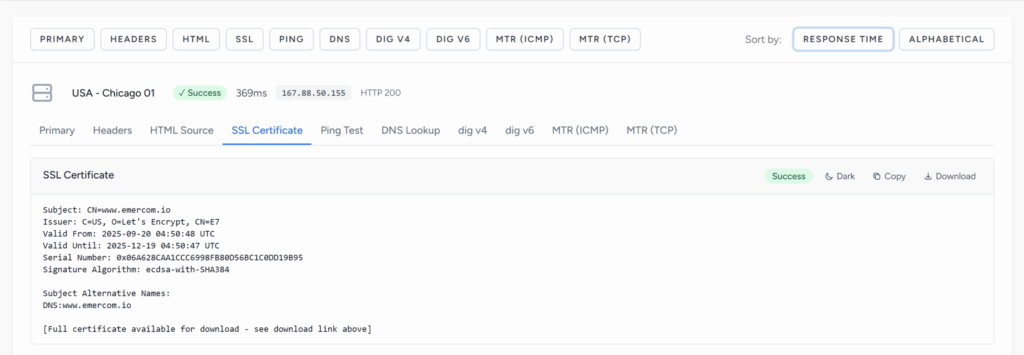
SSL Tab
For HTTPS sites, view comprehensive SSL/TLS certificate details including validity dates, issuer information, subject details, certificate fingerprints, and the ability to download the actual PEM certificate file. Monitor certificate expiration and verify SSL configurations at a glance.
Enhanced Diagnostics
The rest of the check types now include resolved IP address from each node and we've added a small panel to quickly switch all diagnostics tabs to one of the options provided.

GeoDNS and Anycast Optimization
Most of these functions are targeted to our customers who use GeoDNS, AnycastDNS or some kind of distributed systems to deliver content.
If you're using GeoDNS or a CDN, different visitors reach different servers based on their location. A problem in one region won't show up in a test from another.
This is one of the reasons we built Emercom. Every check runs from multiple locations simultaneously, giving you a complete picture of your global infrastructure. No blind spots. No guessing which server a user will actually reach.
Spot DNS misconfigurations, verify CDN routing, and confirm your geo-targeted content is working—all in one check.